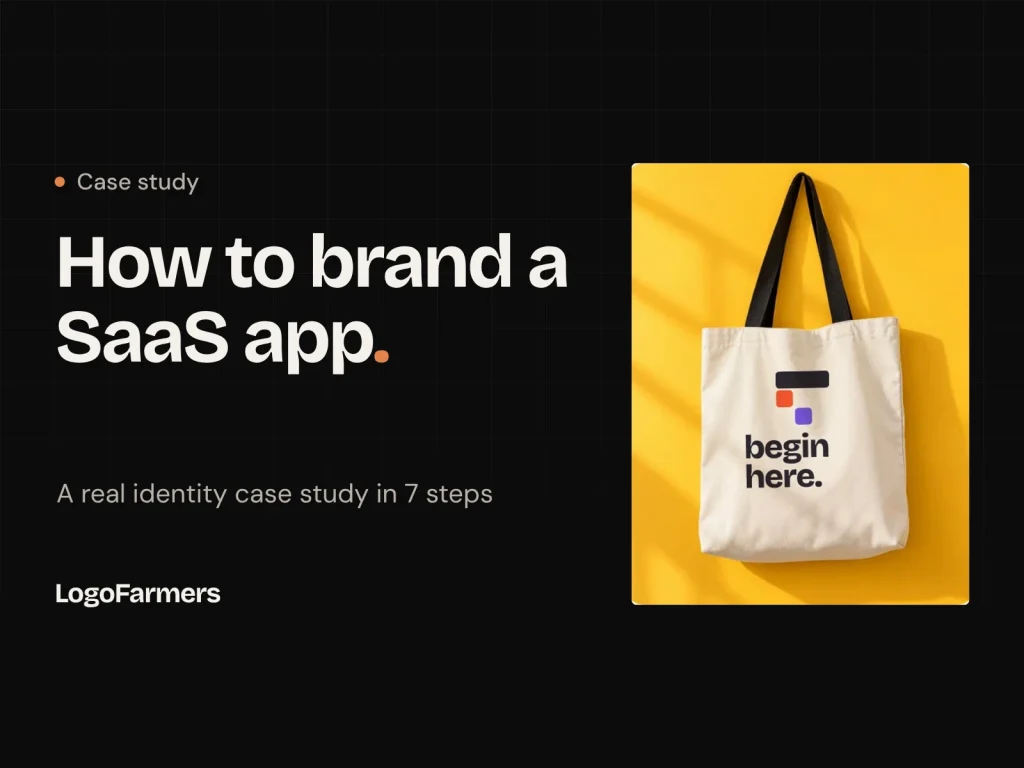
Most people don't lack a plan. They lack a first move.
That one sentence started the Forvio identity. Forvio is a concept SaaS app I designed myself to show how a brand gets built from nothing, step by step.
It is a concept project, not a paid client job. I made it so you can see the real decisions, not just the final pictures.
Below are the 7 steps I followed. You can use the same steps for your own SaaS product.
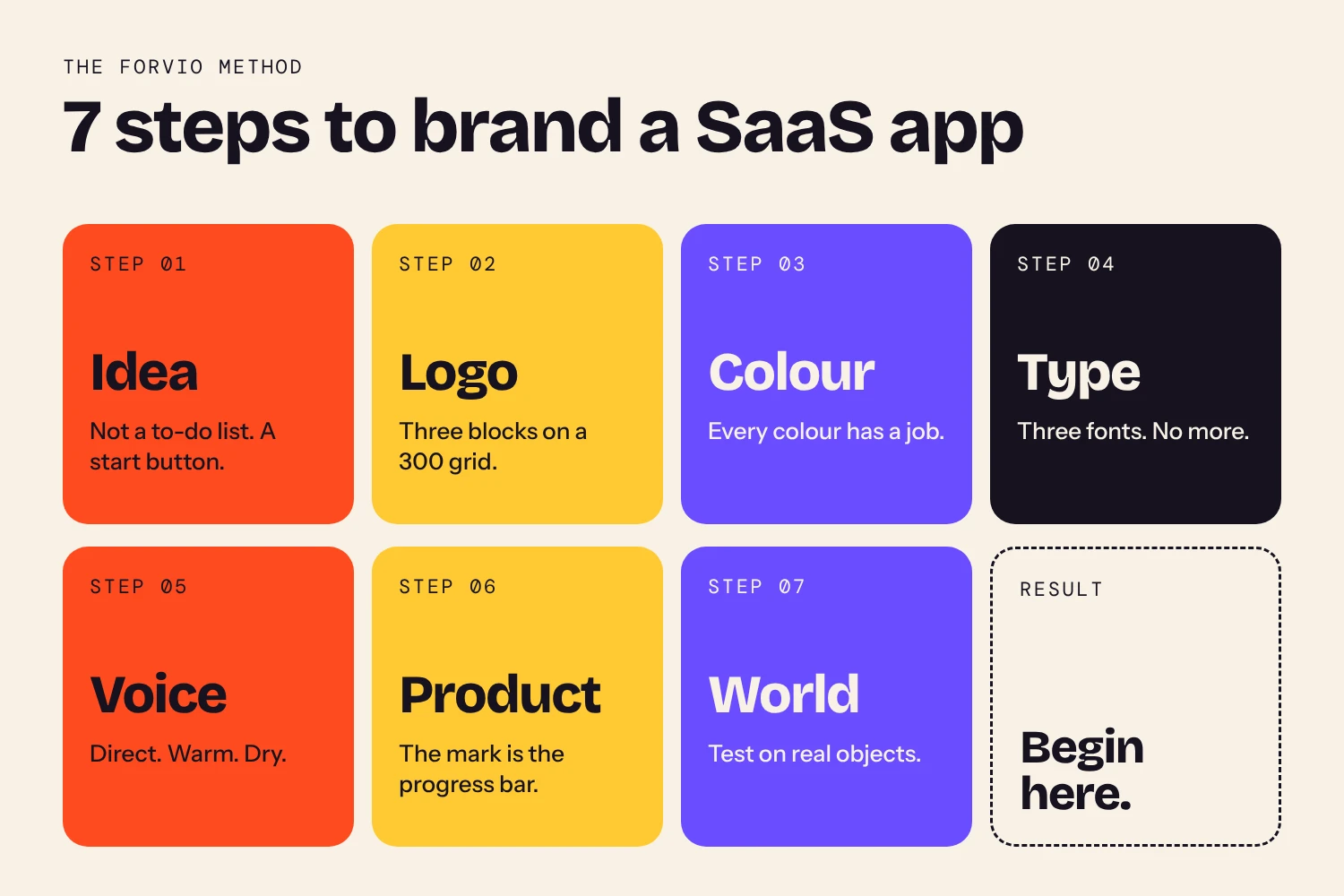
Step 1Find the one idea
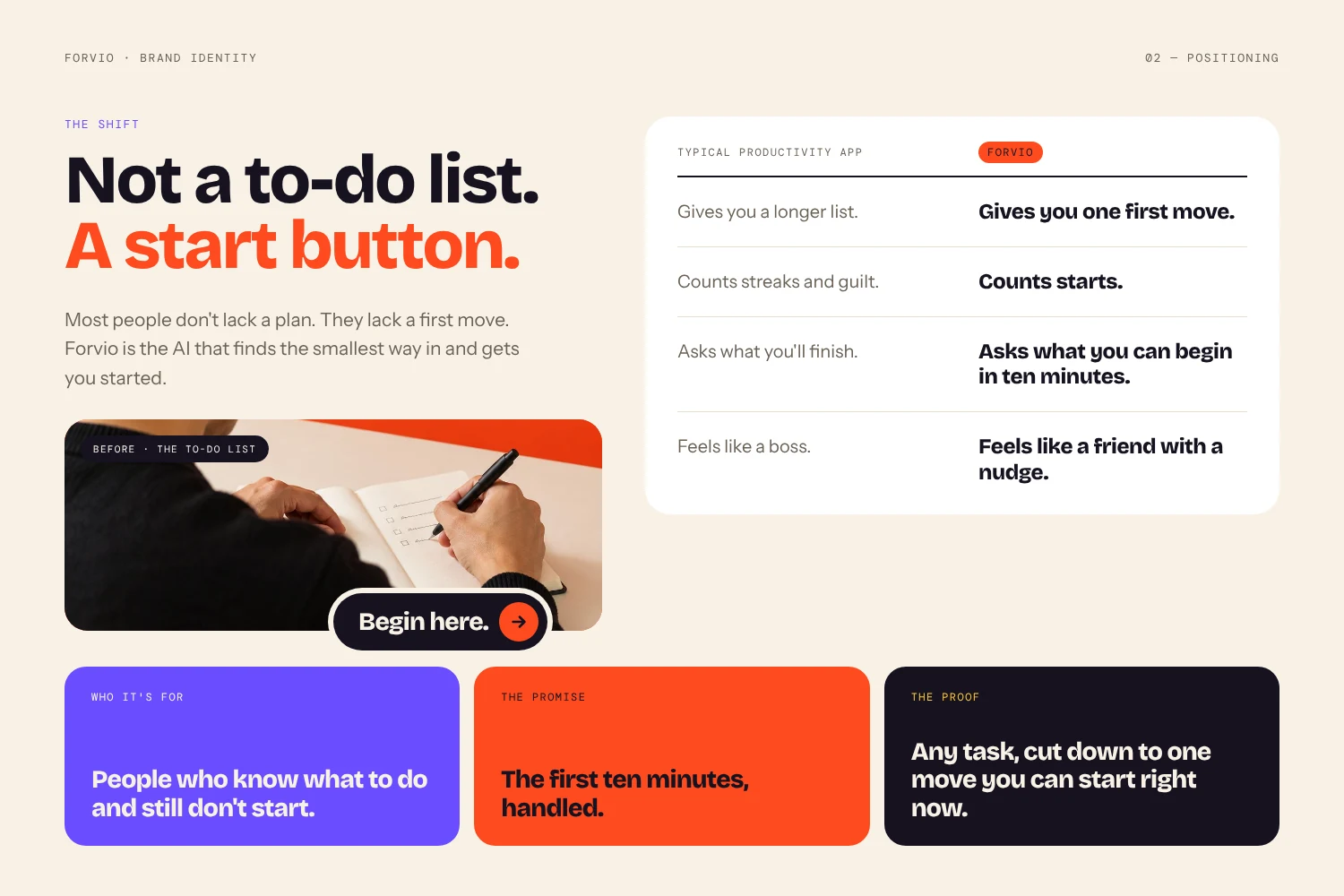
Most task apps sell organisation. Forvio sells something smaller: the start.
I wrote the idea in one line: "Not a to-do list. A start button." Everything else in the brand grew from this line. The promise became "The first ten minutes, handled." The tagline became "Begin here."
The lesson: if you cannot say your brand idea in one short line, the logo, colours and words will all pull in different directions.
Step 2Draw a logo that shows the idea
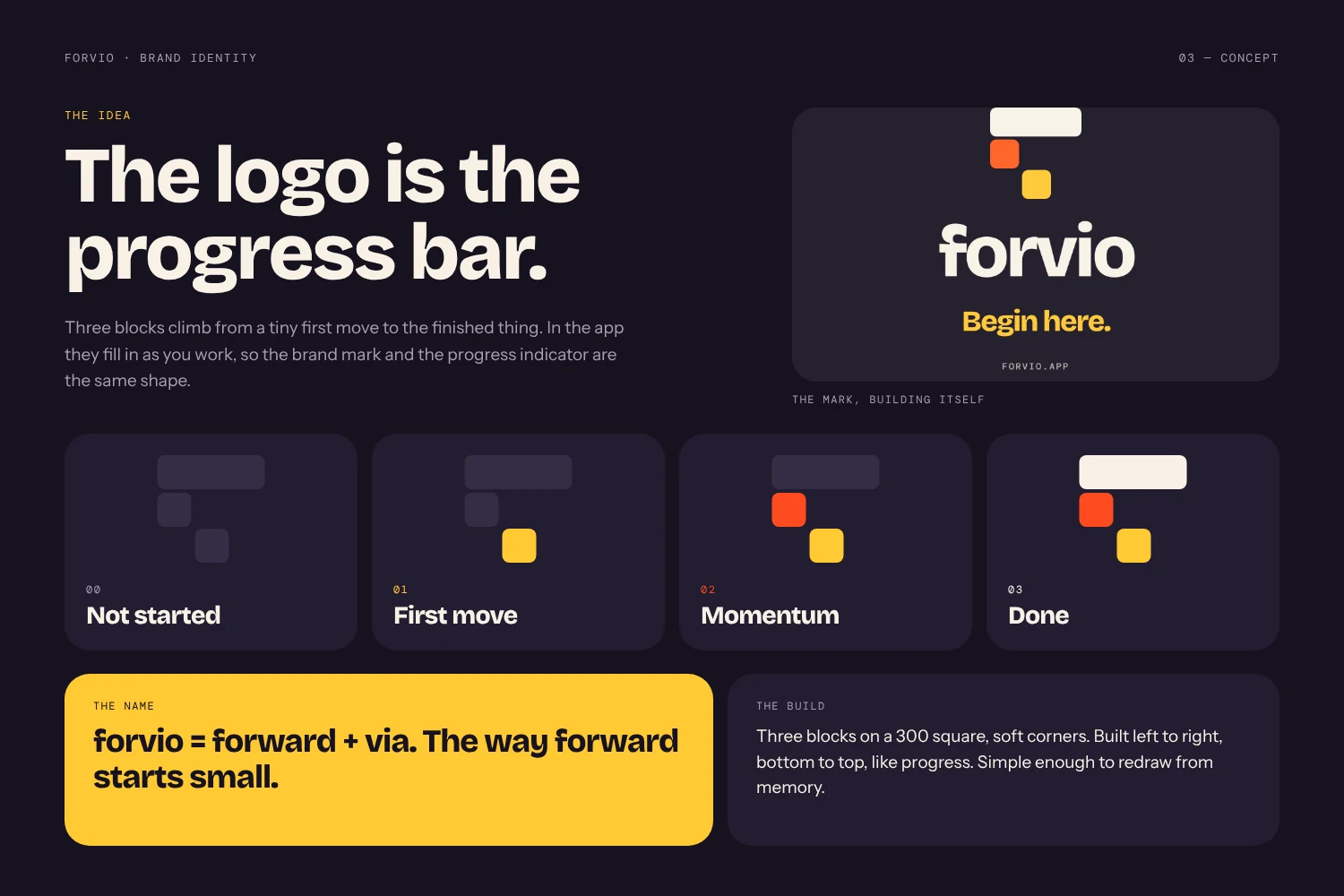
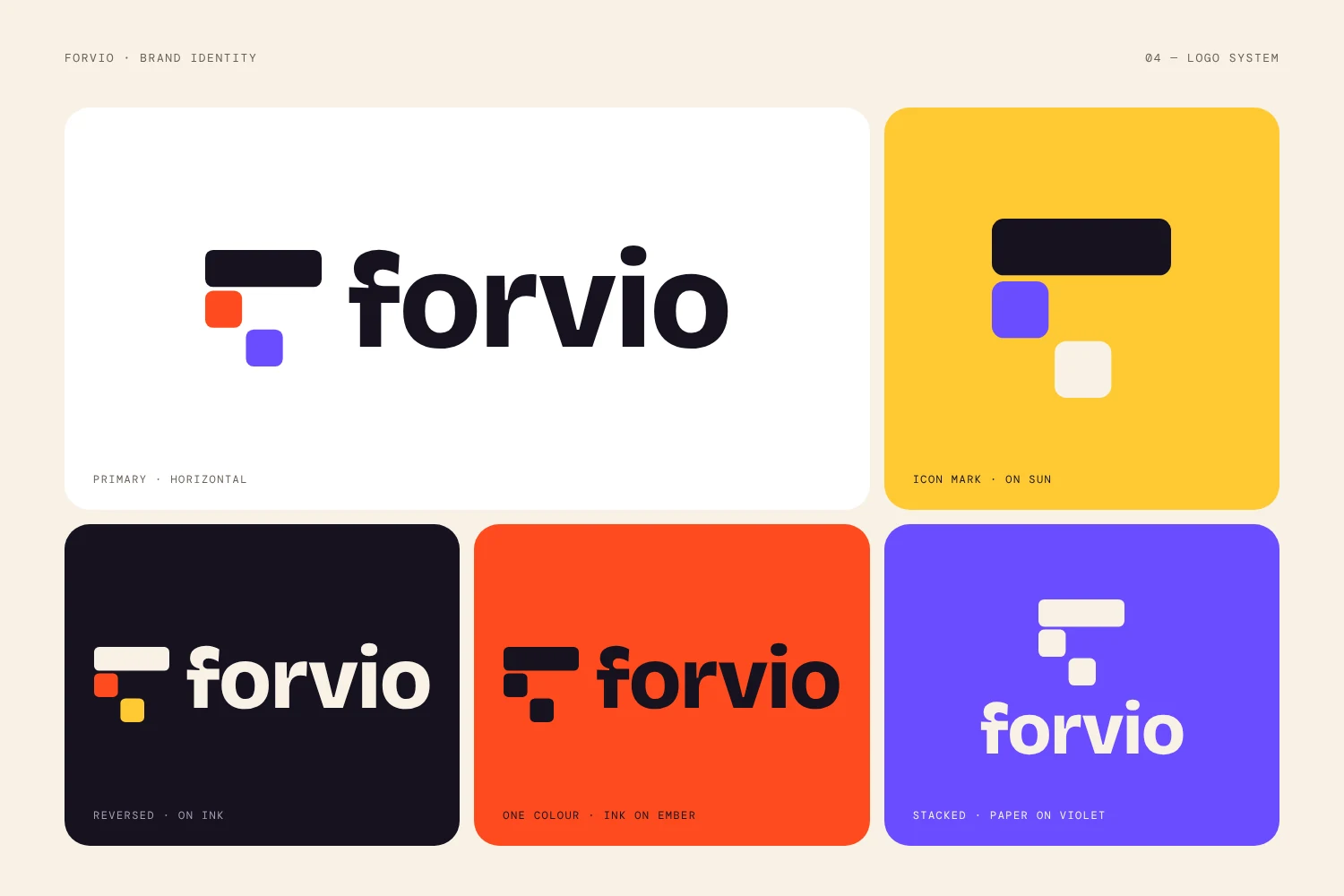
The Forvio mark is three rounded blocks: one wide bar on top and two squares below. It looks like a progress bar that has just begun to fill. That is the product idea, drawn in its simplest form.
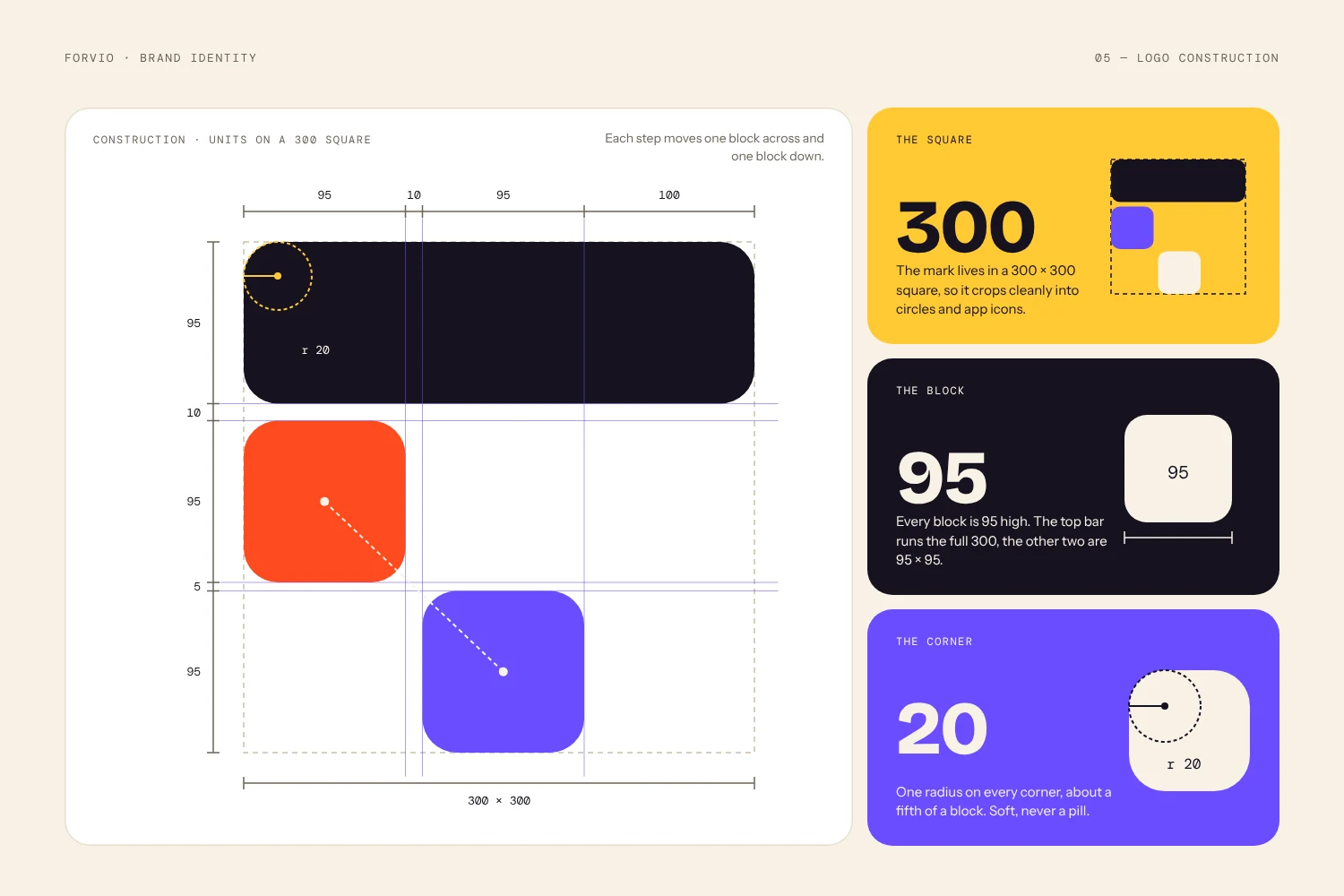
I built it on a 300 by 300 grid. The top bar is 95 high, the two squares are 95 by 95, and every corner has a radius of 20. Clear rules like these keep the mark the same at every size, from an app icon to a billboard.
Three tips for a SaaS logo:
- Keep it simple enough to work at 16 pixels.
- Build it on a grid, so anyone can redraw it correctly.
- Let the shape say something about what the product does.
Step 3Choose colours with a job
Every Forvio colour has a role, so nothing is there just to look nice.
| Colour | Hex | Job |
|---|---|---|
| Ember | #FF4B1F | Action. Buttons and the start moment |
| Sun | #FFC933 | Warm highlights |
| Violet | #6A4CFF | Depth and focus |
| Ink | #16121F | Text and dark backgrounds |
| Paper | #F8F2E7 | Main background |
| Smoke and Bone | #6B6256, #E7DECB | Quiet support tones |
I set usage proportions too: about 50% Paper, 20% Ink, 15% Ember, 10% Sun, and Violet for the rest. This stops the brand from turning into a rainbow.
Two rules I kept. All colours are flat, with no gradients, so the brand feels honest and direct. And Ember on white is used for large text only, because small orange text on white is hard to read.
Step 4Pick type that sounds like the brand
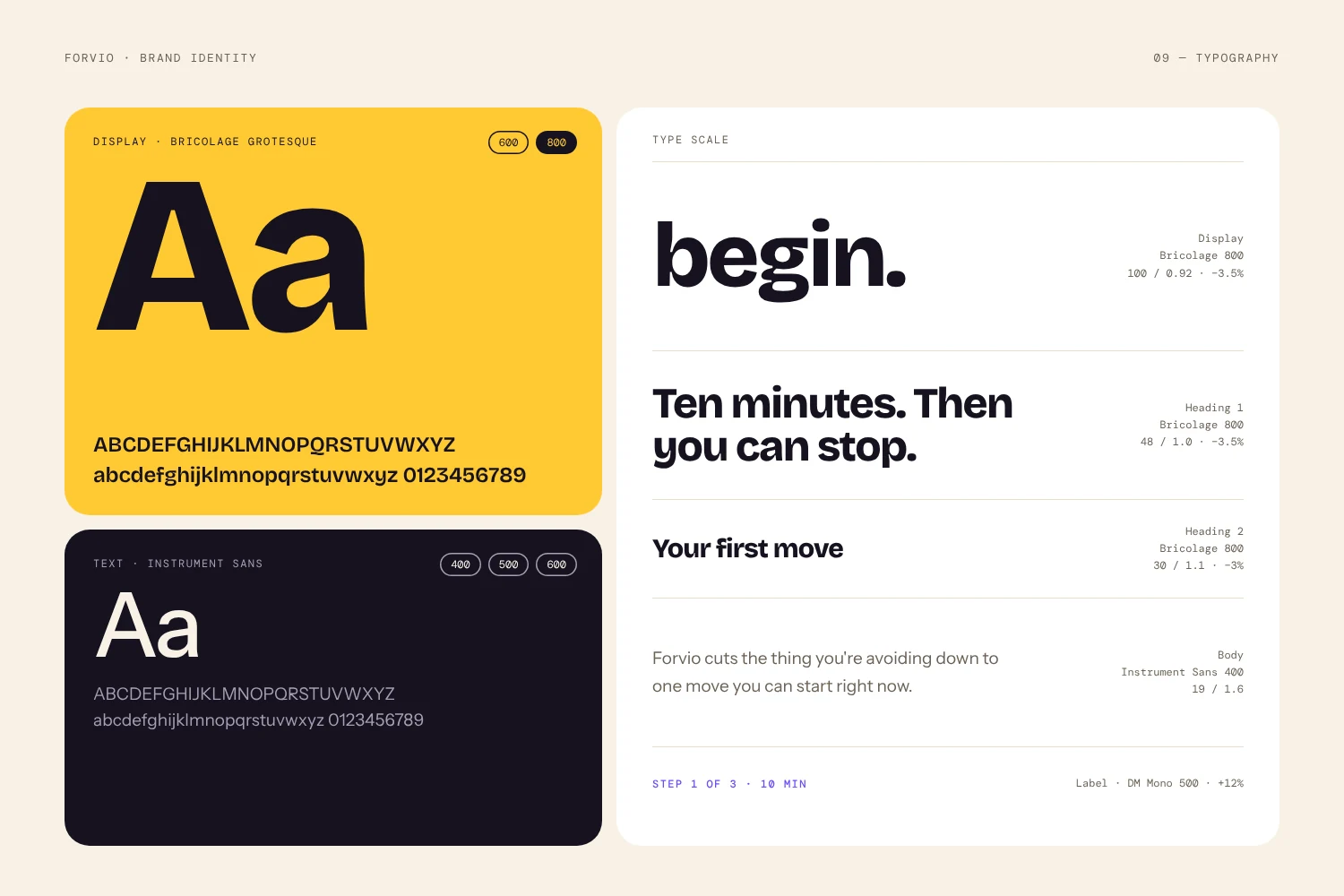
Three fonts, each with one clear job:
- Bricolage Grotesque, weight 800: headlines. Bold and a little playful.
- Instrument Sans: body text. Clean and easy to read.
- DM Mono: small labels and numbers. It gives a calm, tool-like feel.
Three fonts is enough. More than that and a small SaaS brand starts to look messy.
Step 5Give the brand a voice
A SaaS brand talks all day: in buttons, emails and onboarding. So the voice needs rules. Forvio is Direct, Warm and Dry.
Here is the difference in practice:
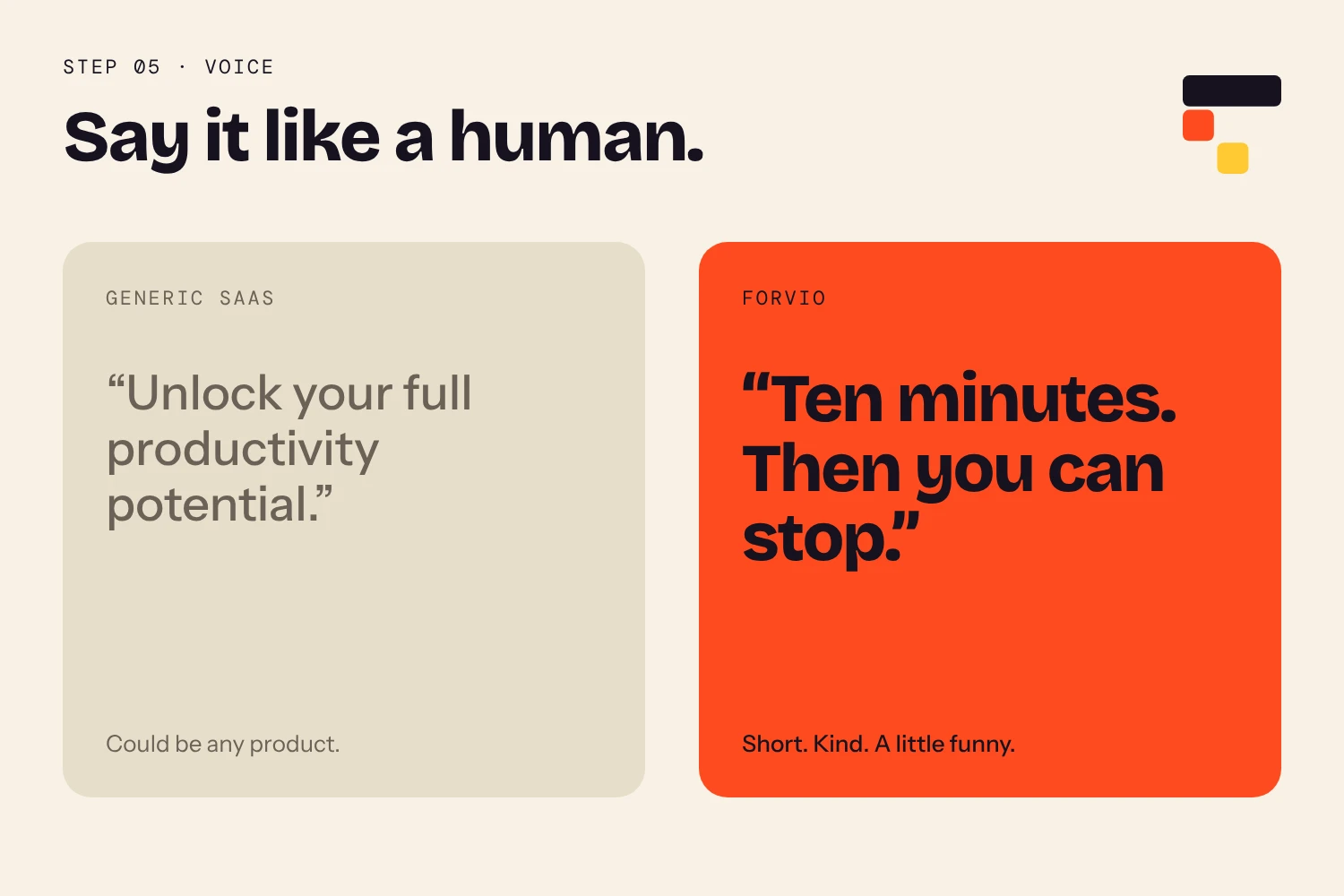
"Unlock your full productivity potential."
"Ten minutes. Then you can stop."
The first line is short, kind and a little funny. It respects the reader's time. The second could belong to any product.
Step 6Put the identity inside the product
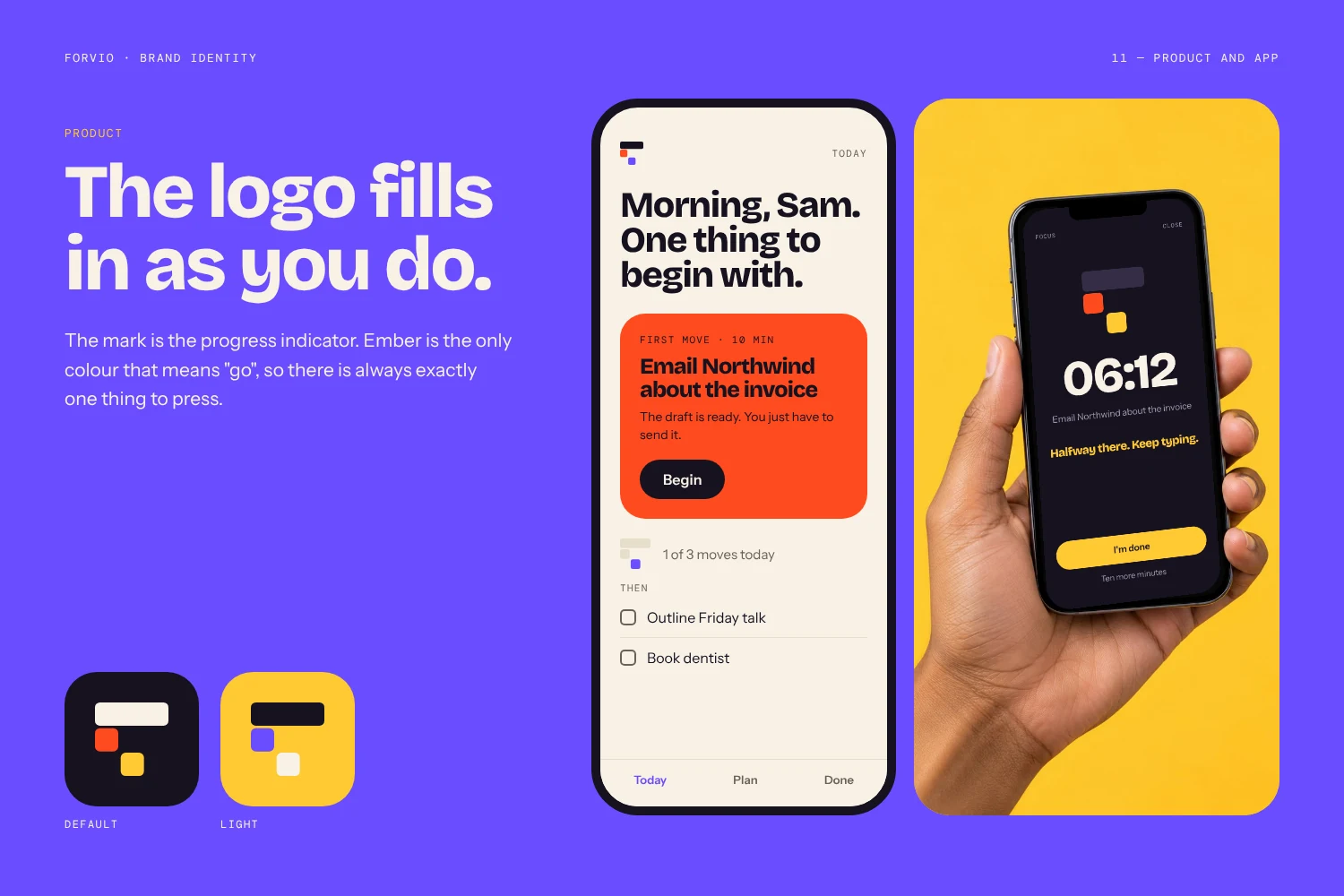
A brand is not only a logo on a website. In the Forvio app, the logo mark doubles as a progress indicator: the three blocks fill with Ember as you complete your first ten minutes. The brand and the interface become one thing.
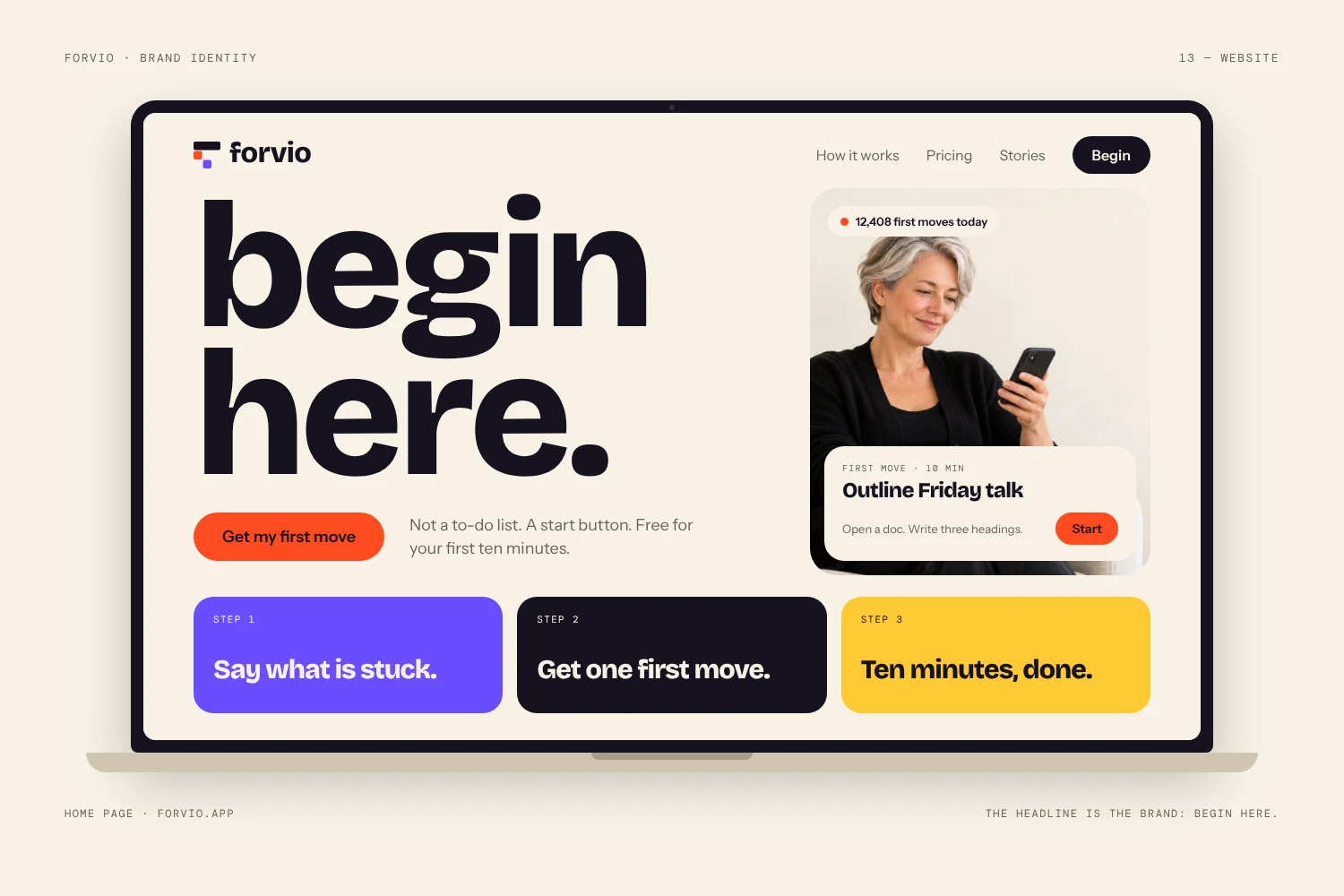
The same system carries to the App Store page and the marketing website, so a new user sees one consistent brand from the first click.
Step 7See the identity in the real world
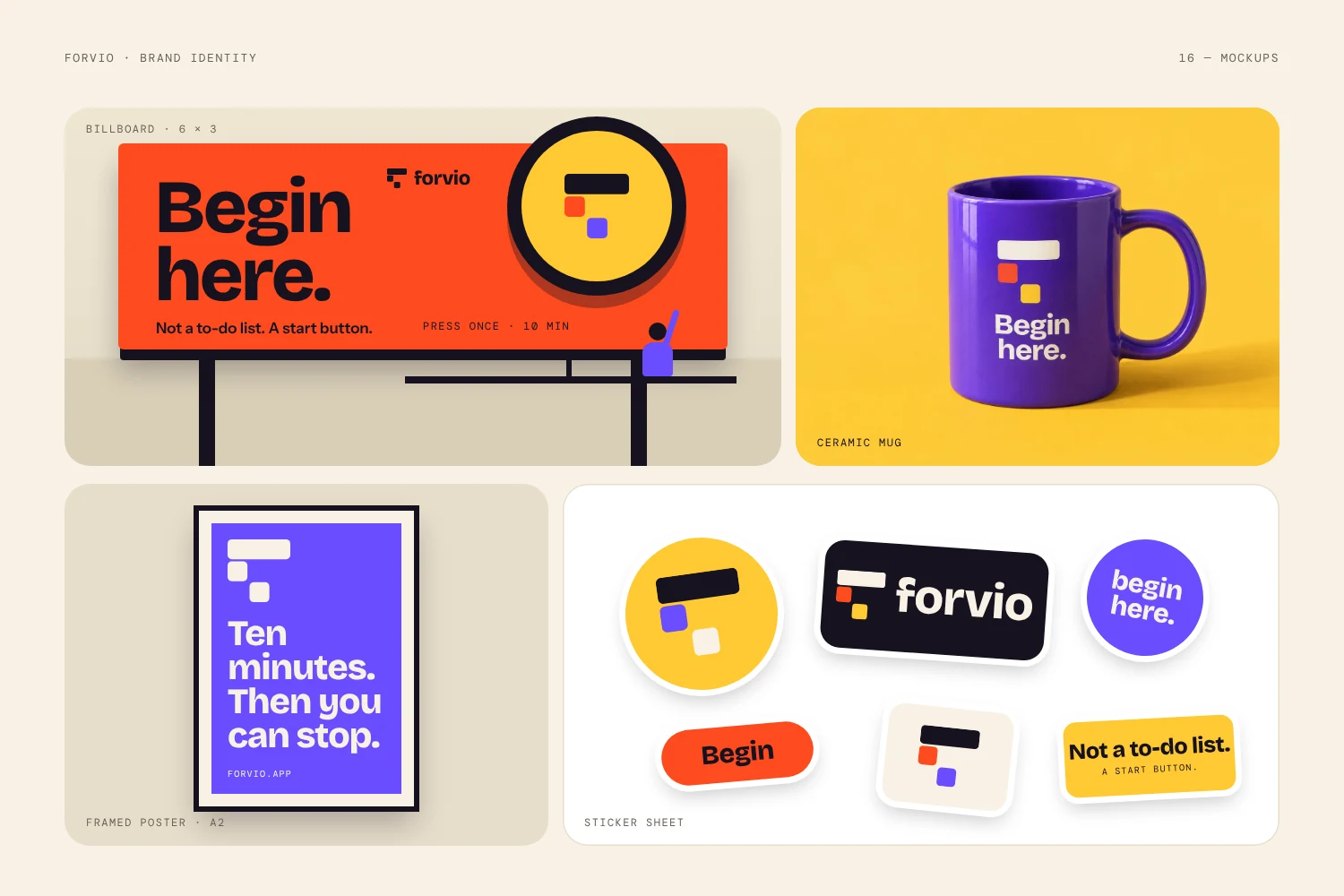
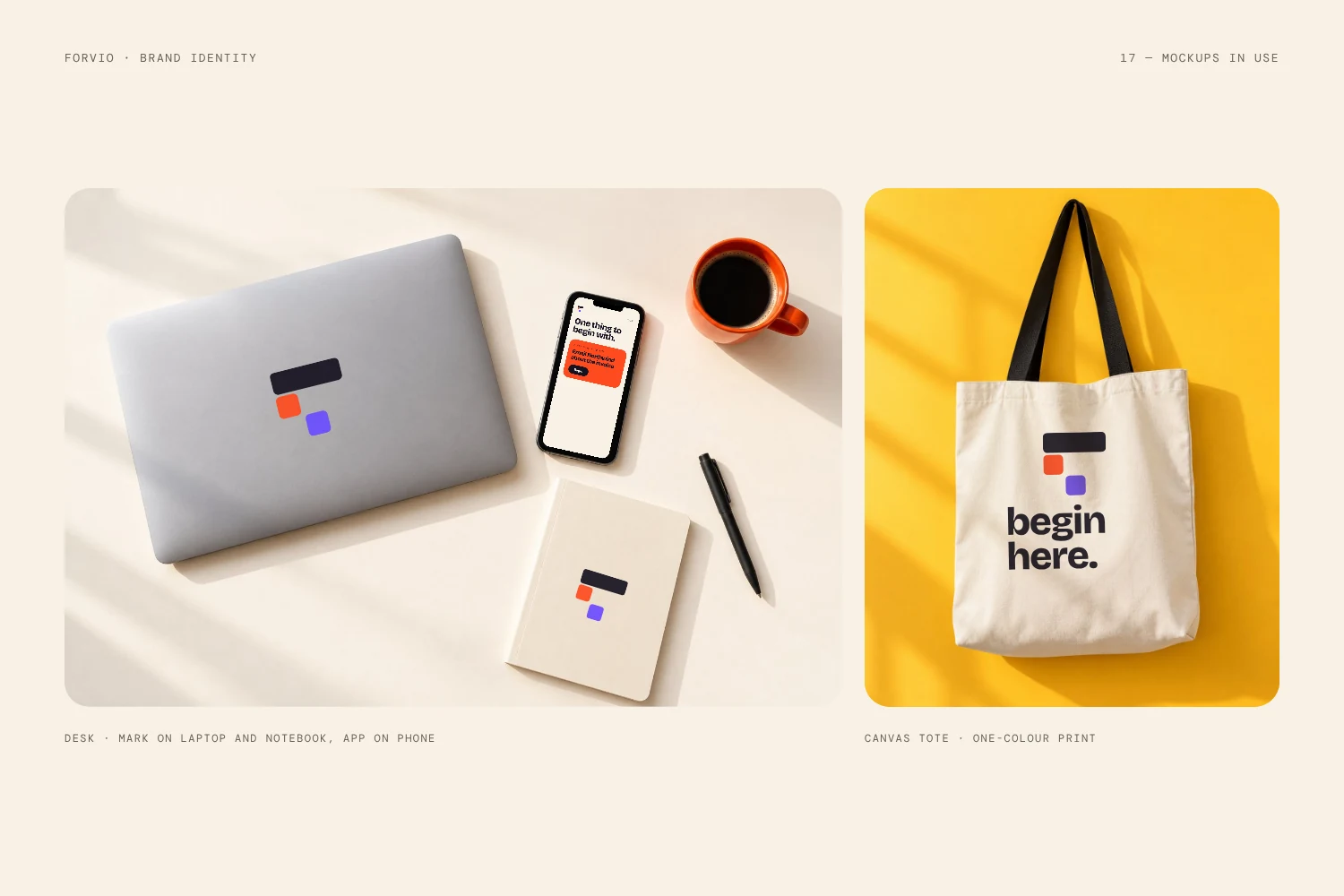
The final test is simple: does the brand still work outside the screen? I placed Forvio on social posts, a billboard, a mug, a tote bag and stationery. The mark, colours and voice held up on every one. That is how you know a system is strong, not just a single pretty logo.
Key takeaways for SaaS founders
- Start with one idea you can say in one line.
- Draw a logo that shows what the product does, and build it on a grid.
- Give every colour a job, and set clear proportions.
- Limit yourself to three fonts.
- Write voice rules, so every button and email sounds like you.
- Put the brand inside the product, not only around it.
- Test the identity on real objects before you launch.
Want this for your SaaS?
I am Shahnewaj, founder of LogoFarmers. I design brand identities for startups and SaaS products, from the first idea to the full system.